
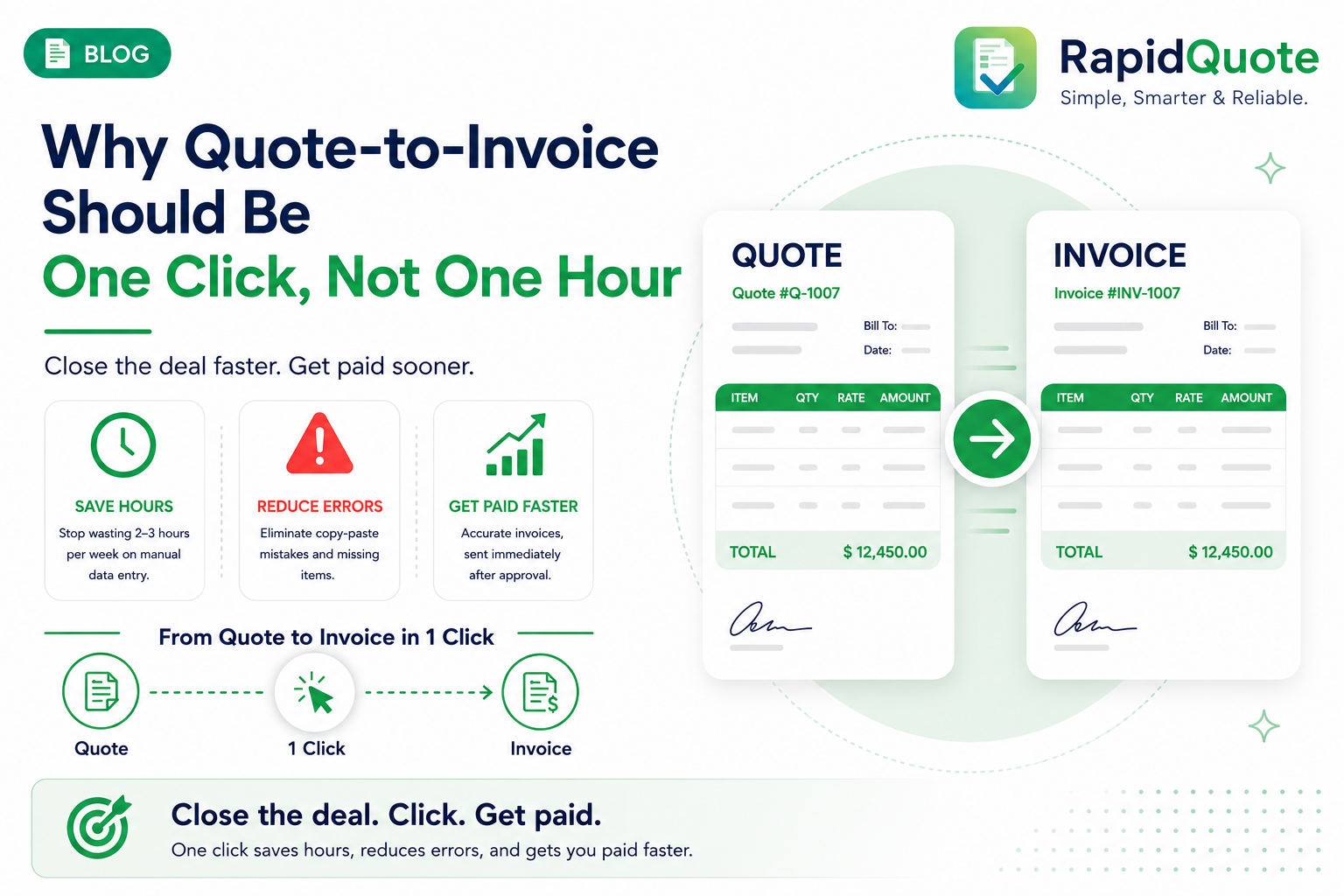
Why Quote-to-Invoice Should Be One Click, Not One Hour
The Hidden Tax on Every Deal You Close
You close a deal. The client signs the quote. Now what?
For most small businesses, "now what" means opening a spreadsheet, copying line items, recalculating totals, reformatting everything into an invoice template, and hoping nothing slips through the cracks.
This isn't a small problem. The average sales team spends 2-3 hours per week manually transferring data from quotes to invoices. That's over 100 hours a year - wasted on work a computer should do automatically.
The Errors You Don't See Until It's Too Late
Manual re-entry doesn't just cost time. It introduces errors that erode client trust:
- Wrong unit prices after a discount negotiation
- Line items missing from the invoice that were in the quote
- Tax calculations applied inconsistently
- Payment terms that don't match what was agreed
Each error means a back-and-forth email chain, a delayed payment, and a small chip in your professional reputation.
What One-Click Conversion Actually Looks Like
When a quote is approved in RapidQuote, converting it to an invoice takes a single click. The system carries over:
- Every line item, quantity, and unit price
- The agreed discount and any negotiated adjustments
- Your payment terms and due date
- The client's billing details
The invoice is generated, branded, and ready to send - in seconds, not an hour.
Faster Invoices Mean Faster Payments
There's a direct correlation between how quickly you send an invoice after a deal is signed and how quickly you get paid. Clients who receive an invoice within 24 hours of approval pay an average of 8 days faster than those who wait a week.
The reason is simple: momentum. When the deal is fresh, payment feels like the natural next step. When a week has passed, it's easier to deprioritize.
Stop Letting Admin Delay Your Revenue
The quote-to-invoice gap isn't a minor inconvenience - it's a real drag on your cash flow and your team's morale. Close it once, and every future deal flows through automatically.